LinkedIn Retargeting: How to Build and Sequence Your Audiences
A practical guide to LinkedIn retargeting as an audience layer: the four Matched Audiences sources, the rules that constrain them, and how to sequence audiences down a B2B funnel.

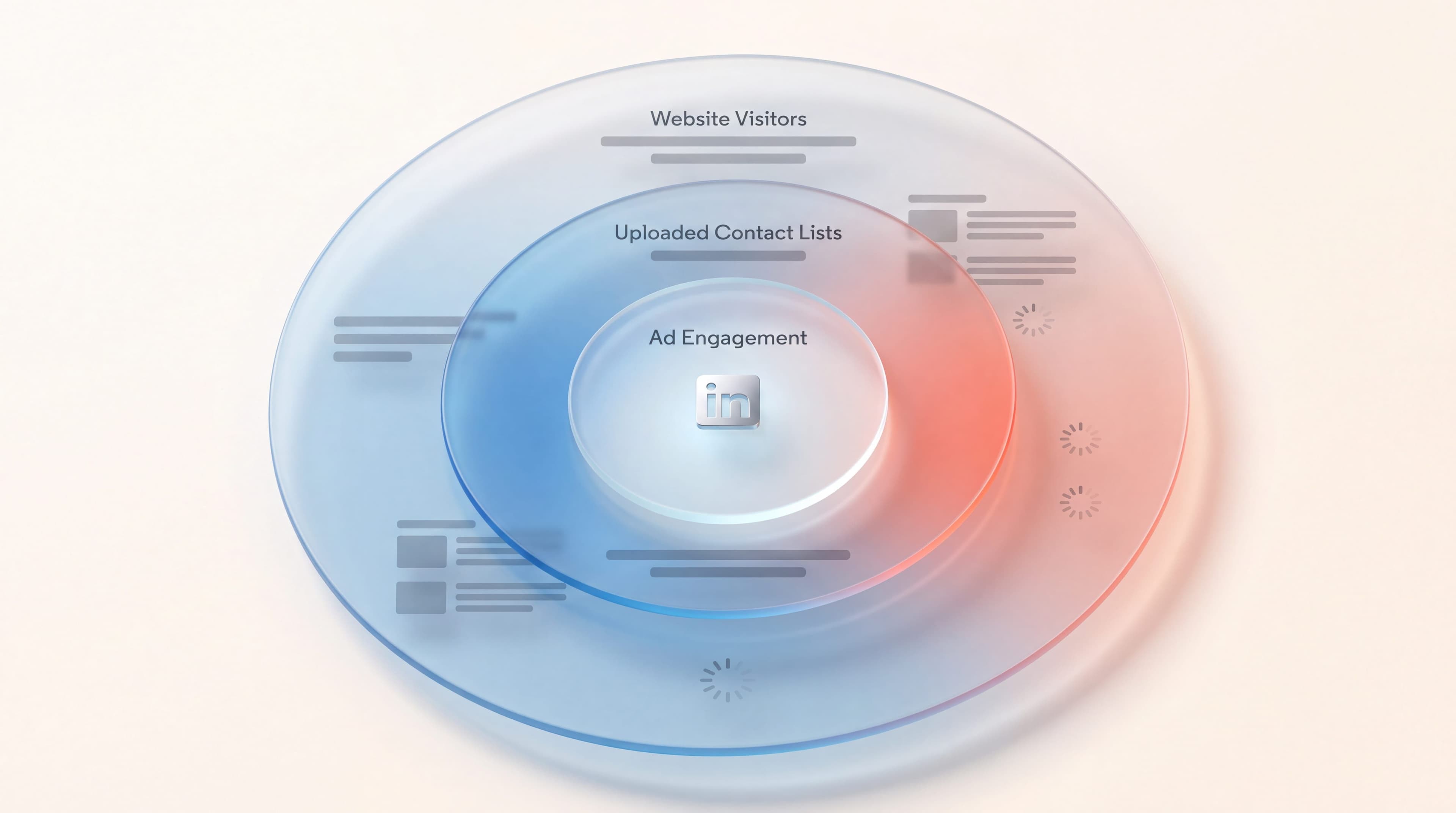
Most B2B companies running LinkedIn Ads have exactly one retargeting audience. It's called something like "website visitors, 90 days," it gets the same ad as everyone else, and when it doesn't produce meetings the verdict comes back: LinkedIn remarketing doesn't work in our market.
The audience was never the problem. The architecture was. LinkedIn retargeting isn't an ad format you switch on. It's an audience layer sitting underneath every campaign you run, and the quality of that layer decides what your ads can do before anyone writes a line of creative.
I'm Louise Perrin, Executive Assistant at Moriah, a LinkedIn marketing agency and a LinkedIn Certified Marketing Partner. I sit in on the account reviews where our team walks established B2B companies through what their LinkedIn Ads accounts are actually built on, and the pattern repeats often enough to be worth writing down. So: what LinkedIn retargeting is at the audience level, the four sources Matched Audiences can be built from, the rules that constrain how you assemble them, and how to sequence those audiences into something that moves a stranger toward a booked call.
If you want the companion piece on what to put in front of these audiences, our overview of the types of LinkedIn ads covers the formats. This page is about who sees them, and in what order.
What LinkedIn Retargeting Actually Is
LinkedIn retargeting means showing ads to people who have already had some contact with your company, instead of to a cold audience picked out by job title and industry. Inside LinkedIn Campaign Manager, the feature that makes it possible is called Matched Audiences.
Here's the distinction that matters. Standard LinkedIn targeting describes people by attributes: seniority, function, company size, industry, skills. Matched Audiences describes them by behavior and by identity. This person read your pricing page. This person watched most of your video. This company is on the list your sales team wrote. Different kinds of knowledge, and they're worth wildly different amounts of money.
Which is why retargeting deserves a plan of its own. LinkedIn is a premium channel, and cost per lead lands anywhere from $75 to $400 depending on the offer and the targeting. At those numbers, paying the same to reach someone who has never heard of you and someone who abandoned your demo form last Tuesday isn't a rounding error. It's the whole efficiency question.
So the organizing idea here is the audience layer, not the ad format. Build the audiences first. Decide what they see second.
The Four Sources of a Matched Audience
Every LinkedIn retargeting audience you will ever build comes from one of four sources. Knowing all four is what separates an account with one audience from an account with an architecture.
1. Website Audiences
Website retargeting on LinkedIn runs through the Insight Tag, a piece of code you install once across your site. It matches the people browsing your pages to their LinkedIn accounts and lets you build audiences from URL rules.
The mistake is building one audience for the whole domain. A visitor to your careers page and a visitor to your pricing page are not the same person commercially, and merging them gives you an audience that reflects nothing in particular. Split by page group instead: pricing, product or service pages, case studies, blog, and anything that signals late-stage evaluation.
LinkedIn also offers Conversions API audiences, built from server-side conversion data rather than the browser. That matters a little more every year as browsers keep restricting tracking. Set it up alongside the Insight Tag, not instead of it.
2. Company Lists
Company targeting lets you upload a list of organizations and reach the relevant people inside them. This is the source that turns account-based selling into paid media.
The practical requirements: LinkedIn accepts a CSV, needs a minimum of 300 companies to upload, caps the list at 20 MB or 300,000 companies, and recommends 1,000 or more for a healthy match. Each row needs at least one of company name, company website, company email domain, LinkedIn Page URL, or stock symbol; adding industry or location improves the match. Give it up to 48 hours to generate.
Strictly speaking, a company list isn't a retargeting audience at all, since nobody on it has engaged with you yet. It belongs here anyway, because it sits at the top of the sequence. It's the audience you define, so that the later audiences can be earned.
3. Contact Lists
Contact targeting works from email addresses. Upload a CSV with the addresses under a column headed "email," and LinkedIn matches them to member accounts.
Match rates are the thing to plan around. Your list has to reach at least 300 matched members before a campaign will serve, and LinkedIn recommends uploading at least 10,000 addresses to clear that bar reliably. Personal addresses tend to match better than work addresses, mostly because the address someone signed up to LinkedIn with often isn't their corporate one.
Contact lists are where your CRM turns into a media asset. Closed-lost opportunities from eighteen months back. Newsletter subscribers who never spoke to sales. Everyone who showed up to a webinar. Each of those is a distinct commercial situation, so each deserves its own list rather than one merged upload.
4. Engagement Audiences
This is the source most accounts never touch, and it's the richest of the four. LinkedIn engagement retargeting builds audiences from how people interacted with your presence on the platform itself, with no website visit required:
- Video audiences, segmented by how much of the video someone watched: 25%, 50%, 75%, or 97%
- Lead gen form audiences, split between people who opened the form and people who submitted it
- Single image ad audiences, from people who engaged with the ad
- Document ad audiences, from people who opened or read through a document
- Conversation ad audiences, from people who opened the message or clicked a call to action inside it
- Company Page audiences, from people who visited your page or clicked its call to action
- Event audiences, from people who registered for or attended a LinkedIn event
Lookback windows here run from 30 days out to 365, which gives you an unusual amount of control. A 30-day video audience and a 365-day video audience hold very different levels of warmth. Don't treat them as one group.
The gap between an account doing website retargeting only and an account using engagement audiences is a big one, because engagement audiences catch the people who never clicked through. On LinkedIn, most of the people forming an opinion about you never leave the feed.
The Rules That Constrain Your Architecture
Four operational facts shape what you can actually build. Design around them, rather than finding out about them after a campaign fails to serve.
- The 300 floor. Every Matched Audience needs at least 300 member accounts before it can run. This is the single biggest limit on granularity. A beautifully precise audience of 120 people isn't an audience, it's a spreadsheet. If your traffic is modest, widen the lookback window before you widen the definition.
- Lookback windows run 30 to 365 days. Longer windows build bigger audiences and dilute intent. Shorter ones do the reverse. Pick the window off your actual sales cycle, not out of habit.
- Audiences take up to 48 hours to build, sometimes longer. Build the audience layer before launch day, not on the morning of it.
- Audiences expire if they sit unused. An audience that hasn't been updated or used in an active or draft ad set for 90 days expires, and once it has, you can't add it to an ad set or reactivate an ad set that contains it. Keep the ones you rely on attached to something, a draft ad set if nothing else.
One more thing worth saying plainly, since outdated advice about it still circulates: LinkedIn discontinued lookalike audiences in February 2024. Existing ones stopped refreshing and no new ones can be created. Predictive audiences replaced them, using a source audience of 300 or more members to model people likely to convert. If a plan you're reading recommends lookalikes, it was written before the change.
How to Sequence LinkedIn Retargeting Audiences Down a Funnel
This is the part that changes results. Sources are ingredients. Sequencing is the recipe.
The principle: each stage of the funnel is defined by a different source, and each stage's audience gets populated by the stage above it. You're not running three campaigns at three audiences. You're running one machine, where the output of one layer becomes the input of the next.
Stage One: The Audience You Define
Source: company lists and contact lists, plus attribute targeting.
This is the only stage where you pick who's in the audience. Upload the account list your sales team actually cares about, or build attribute targeting around the roles that buy from you, then run content designed to be watched rather than clicked. Video works here, so do document ads and thought leadership, because the objective isn't a conversion. The objective is to fill stage two.
Judge this stage on audience build rate, not on leads. If it produces no leads and grows your engagement audiences steadily, it's working.
Stage Two: The Audience Engagement Builds
Source: engagement audiences.
Now retarget the people stage one warmed up. Everyone who watched 50% or more of the video. Everyone who opened the document. Everyone who visited the Company Page. These people know your name, which means the ad no longer has to introduce you and can get on with making an actual argument.
It's also where you can start splitting by depth of interest. A 25% video viewer should hear something different from a 97% viewer, and treating them identically throws away the one thing retargeting gives you.
Stage Three: The Audience Intent Reveals
Source: website audiences and lead gen form audiences.
People at this stage have taken a deliberate step. They visited your pricing page. They opened a lead gen form and didn't submit it, which is arguably the highest-intent audience LinkedIn will hand you and the one most often left unbuilt. They read three case studies in a week.
Spend disproportionately here. Short lookback windows, direct offers, one clear call to action. This audience will be small, and the small size is the point.
Exclusions Are Half the Architecture
A sequence without exclusions isn't a sequence. It's three campaigns bidding against each other for the same people.
Exclude anyone who submitted the lead gen form from the campaign asking them to submit it. Exclude current customers from acquisition campaigns, using a contact list of your own account base. Exclude your stage three audiences from stage one, so the people closest to buying aren't paying for another awareness impression.
In practice, exclusions are where most of the recoverable waste in a LinkedIn Ads account sits. They cost nothing to set up, and they're the first thing our team looks at in an account review.
Where Retargeting Stops and the Rest of the Engine Starts
LinkedIn Ads are one of three pillars Moriah runs for a client, alongside executive personal branding and targeted outreach. We don't sell them separately, and the reason bears directly on this page.
A retargeting architecture is a machine for re-reaching people who already had contact with you. It can't manufacture that first contact by itself, or at least not at a price most companies want to pay. The two pillars that feed it are personal branding, which puts your executives in the feed of people who will never click an ad, and targeted outreach, which starts conversations directly. Content published from a personal profile performs roughly 5 to 10 times better than the same content from a company page, and LinkedIn messaging tends to draw replies in the 10 to 15% range against the 1 to 3% typical of cold email. Those are the two engines that create the audiences your retargeting layer then works.
Run in isolation, each pillar fails in a predictable way. Companies that publish content and activate nothing around it end up with an audience and no business. Companies running targeted outreach with no content get ignored, because the person receiving the message has nothing to go and check. And an ads account with a perfect audience architecture and nothing filling the top of it eventually runs out of people to retarget.
That's why our LinkedIn Ads work always runs alongside the other two, pointed at one business objective at a time. One focus area out of three, and the three are the offer.
Common Mistakes in LinkedIn Retargeting
- One audience for the whole website. Page-level intent is the most valuable signal you own, and a domain-wide audience throws it away.
- Never building engagement audiences. Most of the people forming an opinion about you on LinkedIn never visit your site. If the Insight Tag is your only audience source, you're retargeting a minority of the people you reached.
- The same creative at every stage. A stranger and a pricing-page visitor shouldn't see the same ad. If they do, the sequence exists on paper only.
- No exclusions. The most common mistake, and the most expensive.
- Judging stage one on leads. Top-of-funnel campaigns produce audiences, not conversions. Measured on cost per lead they always look like failures, so they always get cut, which then starves the stages that were working.
- Windows chosen by habit. A 90-day window is a default, not a decision. Match it to how long your buying process really takes.
- Treating retargeting as a channel rather than a layer. It isn't something you do instead of prospecting or content. It's the layer that makes both of them compound.
What to Do This Week
If you want a concrete starting point, this is the order our team works in:
- Confirm the Insight Tag is firing across the whole site, and add Conversions API tracking if you can.
- Build website audiences by page group rather than one for the domain.
- Build every engagement audience LinkedIn offers you, even the ones you have no campaign for yet. They start collecting the day you create them, and they're worth nothing until they have some history behind them.
- Upload the account list your sales team already maintains as a company list, and your CRM contacts as a contact list.
- Write the exclusions before you write the campaigns.
- Only then pick formats and creative, using the ad format overview and a documented LinkedIn advertising strategy.
The audiences you create today are the assets your campaigns will be spending against six months from now. Building them early costs nothing, and it's about the closest thing to free compounding this channel offers.
Frequently Asked Questions
What is LinkedIn retargeting? LinkedIn retargeting means serving ads to people who have already interacted with your company, rather than to a cold audience chosen by job title and industry. It runs through Matched Audiences in LinkedIn Campaign Manager, which builds audiences from your website, your own lists, and engagement with your LinkedIn content.
What are LinkedIn Matched Audiences? Matched Audiences is the LinkedIn Campaign Manager feature that lets you target people by who they are or what they did, instead of only by their profile attributes. It covers website audiences built from the Insight Tag, uploaded company and contact lists, and audiences built from engagement with your ads, Company Page, or events.
Is LinkedIn retargeting the same as LinkedIn remarketing? Yes. The two terms get used interchangeably for the same practice. LinkedIn's own documentation says "retargeting," while "remarketing" is more common in advertising generally, but they describe the same audience layer.
How many people do I need for a LinkedIn retargeting audience? At least 300 matched member accounts. Below that, the audience cannot be used in an ad set at all. That's the main practical limit on how narrowly you can segment, and it's why companies with modest website traffic should widen the lookback window before adding more granular audience rules.
How far back can LinkedIn retargeting look? Lookback windows run from 30 days to 365 days. Shorter windows give you smaller audiences with stronger intent; longer ones give you larger, cooler audiences. Set the window against the real length of your sales cycle rather than accepting the default.
Can I retarget people who watched my LinkedIn video? Yes, and you can segment them by how much they watched: 25%, 50%, 75%, or 97% of the video. It's one of the most useful engagement audiences available, since it captures people who paid attention without ever leaving LinkedIn to visit your site.
Can I retarget people who opened my lead gen form but never submitted it? Yes. LinkedIn lets you build an audience of everyone who opened the form and a separate one of everyone who submitted it. The people in the first group and not the second are among the highest-intent audiences you can reach, and among the most commonly overlooked.
How long does it take to build a LinkedIn Matched Audience? Up to 48 hours, and sometimes longer. Create your audiences well before the campaign is due to launch. They also expire if they're not attached to an active or draft ad set within 90 days, so keep the ones you rely on connected to something.
Does LinkedIn still offer lookalike audiences? No. LinkedIn discontinued lookalike audiences in February 2024, existing ones stopped refreshing, and no new ones can be created. Predictive audiences replaced them, using a source audience of at least 300 members to model people likely to convert.
How do I sequence LinkedIn retargeting audiences into a funnel? Define your cold audience with company and contact lists, run content designed to be engaged with rather than clicked, then retarget that engagement with a stronger argument, then retarget website and lead gen form intent with a direct offer. Add exclusions at every step so the stages don't compete with each other for the same people.